


One Car Stereo
CarPlay AI Box HE PRO
CarPlay AI Box HE PRO
Couldn't load pickup availability
 45-Day Returns
 1-Year Warranty
 Dedicated Customer Care
⚠️Vehicle Compatibility
⚠️Vehicle Compatibility
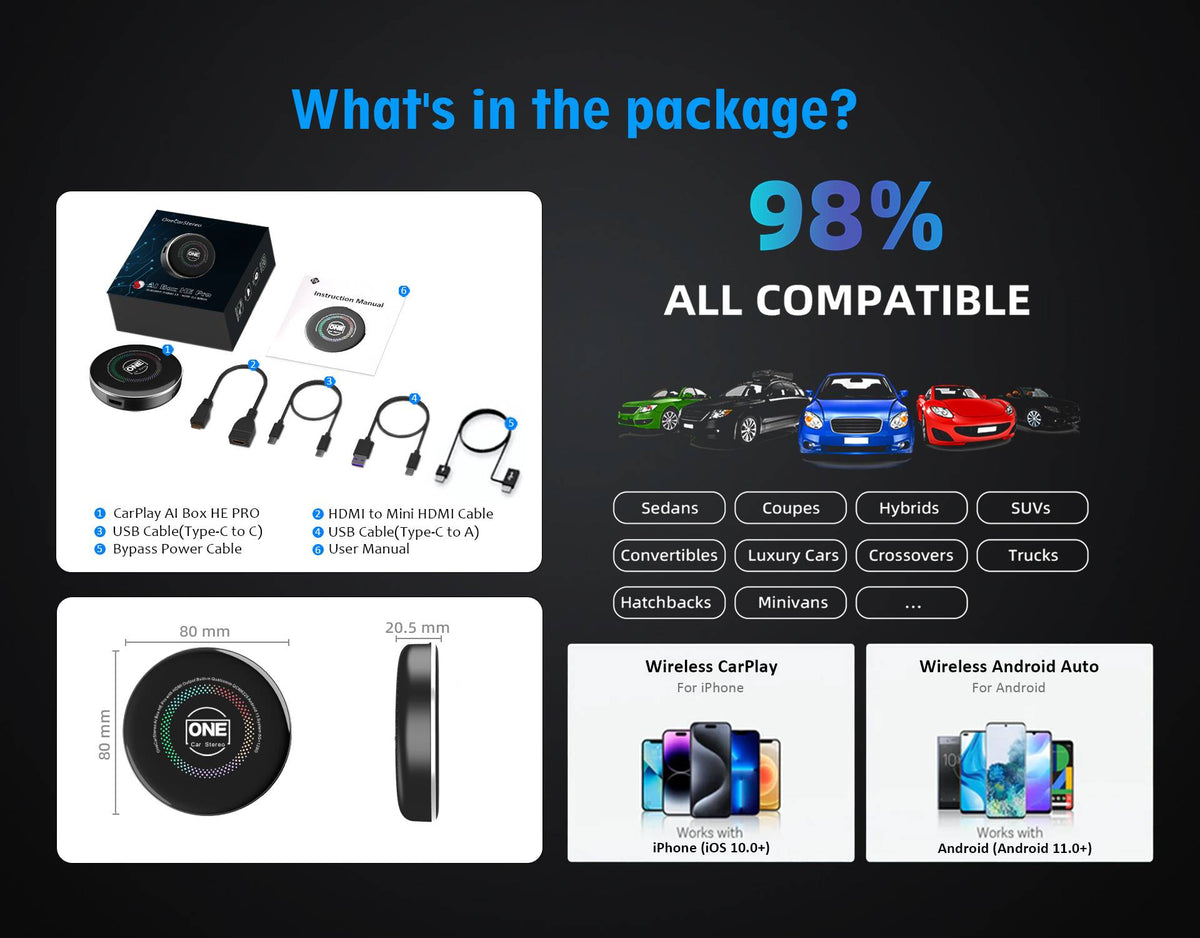
Your vehicle must support factory wired CarPlay or Wired Android Auto. The CarPlay Box connects to your vehicle through its existing wired CarPlay connection.
Compatible:
✅ Vehicles with factory wired CarPlay or wired Android Auto
✅ Vehicles with both wired and wireless CarPlay
Not Compatible:
❌ Vehicles with Wireless CarPlay only (e.g. some BMW models)
❌ Vehicles equipped with an aftermarket CANBUS / decoder / protocol box system
❌ Vehicles with an aftermarket car stereo that does not support wired CarPlay
❌ Mazda CX-60 · Subaru REX
Warranty and After-Sales Support
Warranty and After-Sales Support


CarPlay AI Box HE PRO
More Than CarPlay — A Smarter Way to Connect, Entertain, and Drive.
Smarter driving with built-in AI, wireless connectivity and endless entertainment.


Compare
 CarPlay AI Box HE PRO Ultra
 Cloud AI Box ULTRA
 CarPlay AI Box HE PRO
 Cloud AI Box
 Smart AI Box HE
 Smart AI Box ELite
 OneTouch
 MINI Adapter

Free Shipping Worldwide
Add a short description for this feature.

365-Day Warranty
Add a short description for this feature.

45-Day Return
Add a short description for this feature.

100% Payment Secure
Add a short description for this feature.
Frequently Asked Questions
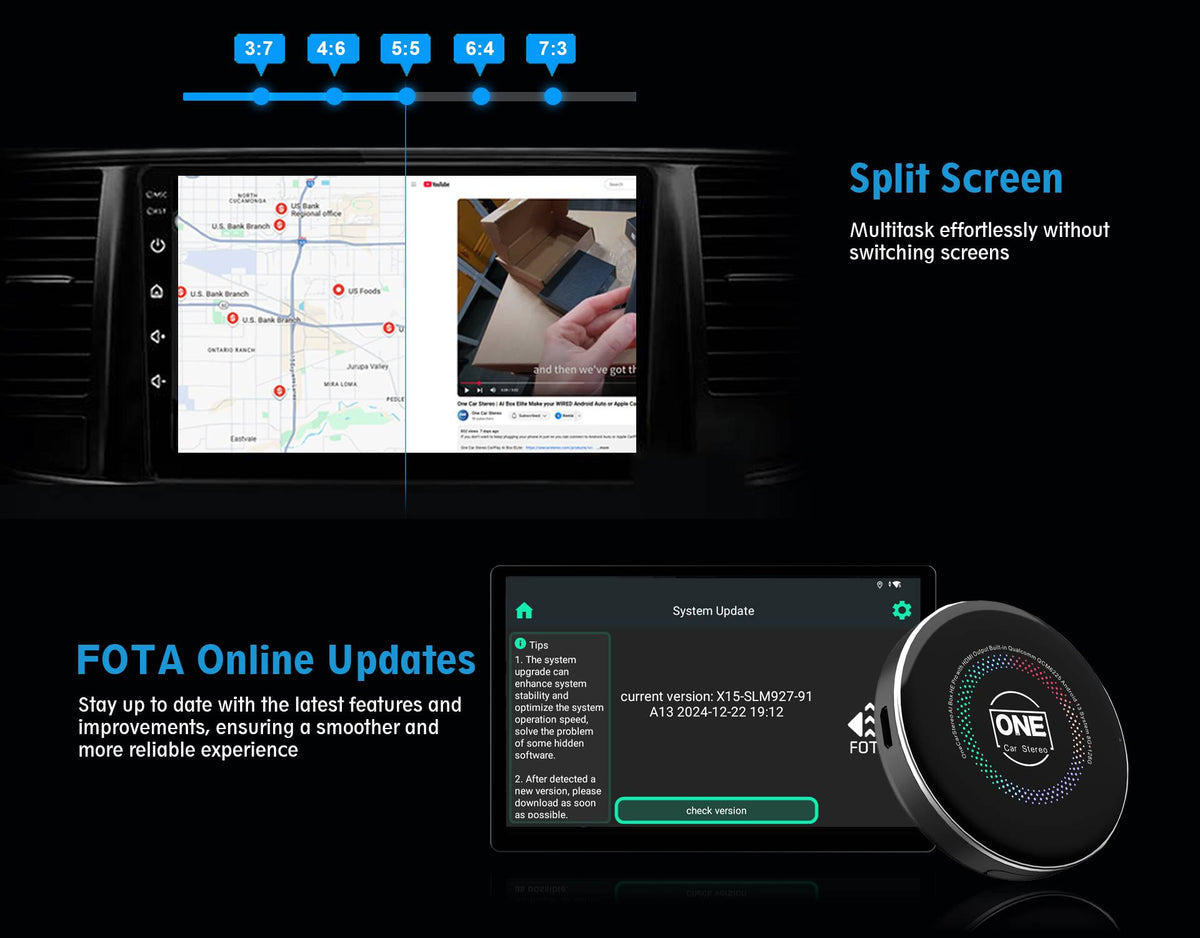
✔ OTA Update: Over-the-Air (OTA) updates offer a convenient and easy way to keep your device up-to-date with the latest features and improvements.
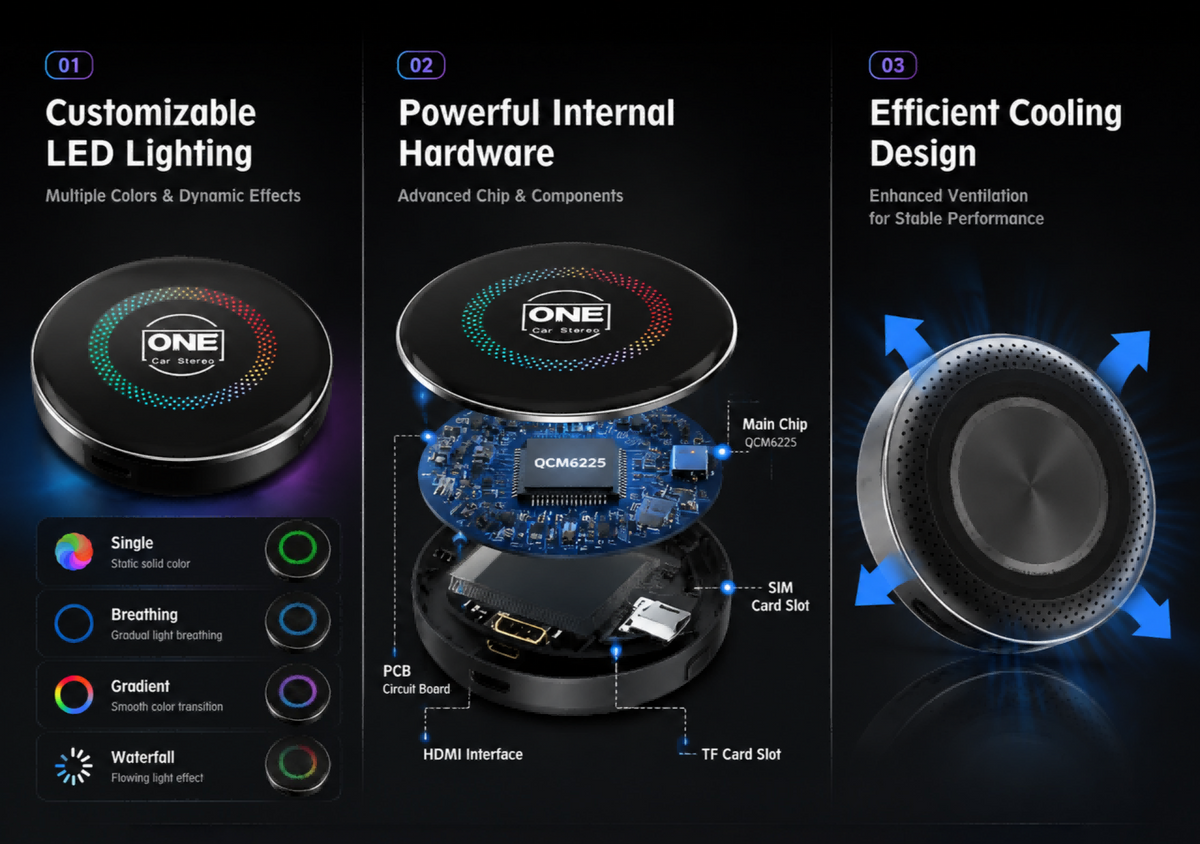
✔ Powerful Performance:CarPlay Box HE PRO is powered by the Snapdragon QCM 6225 octa-core processor, with a rear heat dissipation design for efficient cooling and stable performance.
✔ Running on the Latest Android 13.0 System.
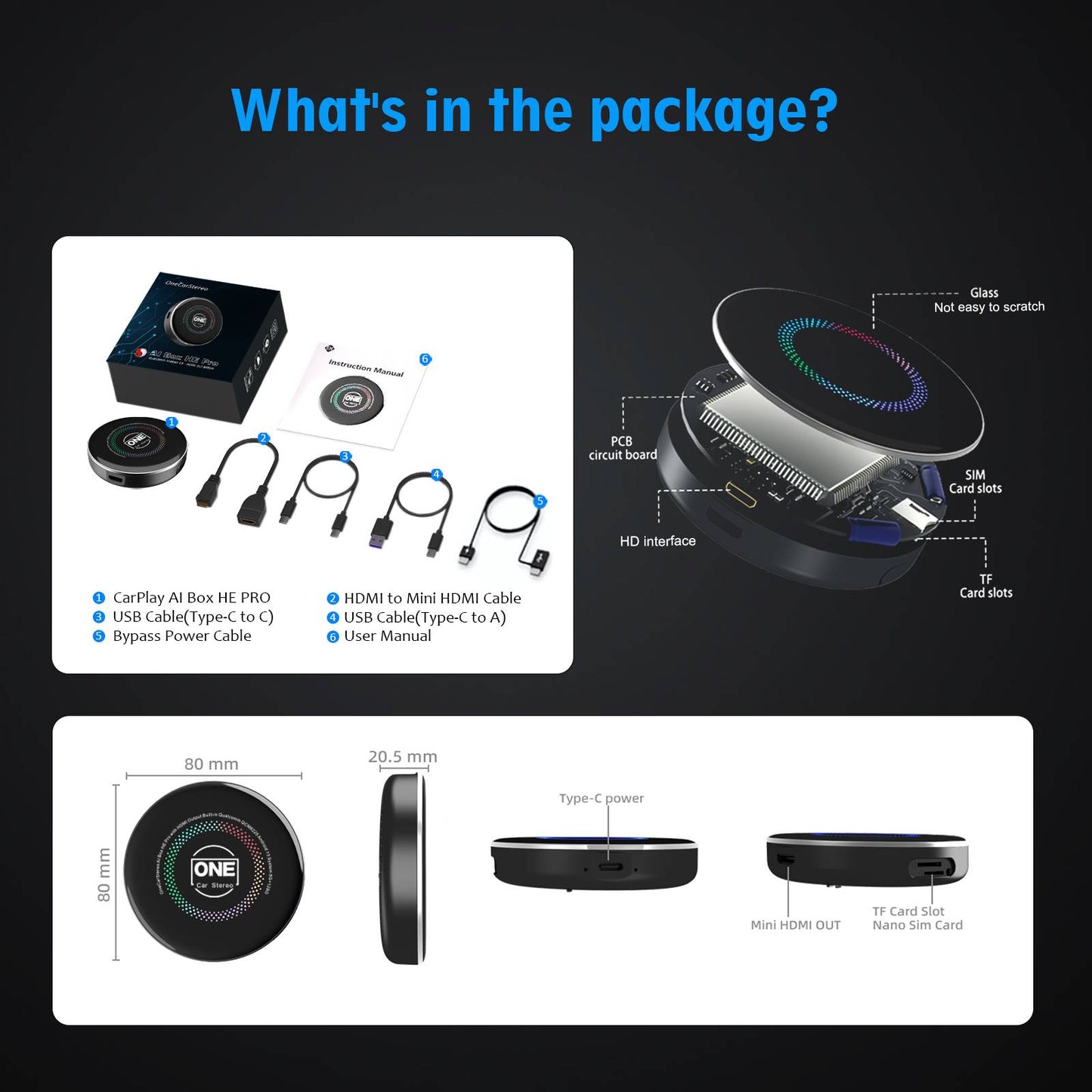
✔ Storage and Network Expansion:Comes with 8+128GB memory, a built-in SIM card slot supporting 4G connectivity and hotspot sharing, and a TF card slot for storage expansion up to 256GB.
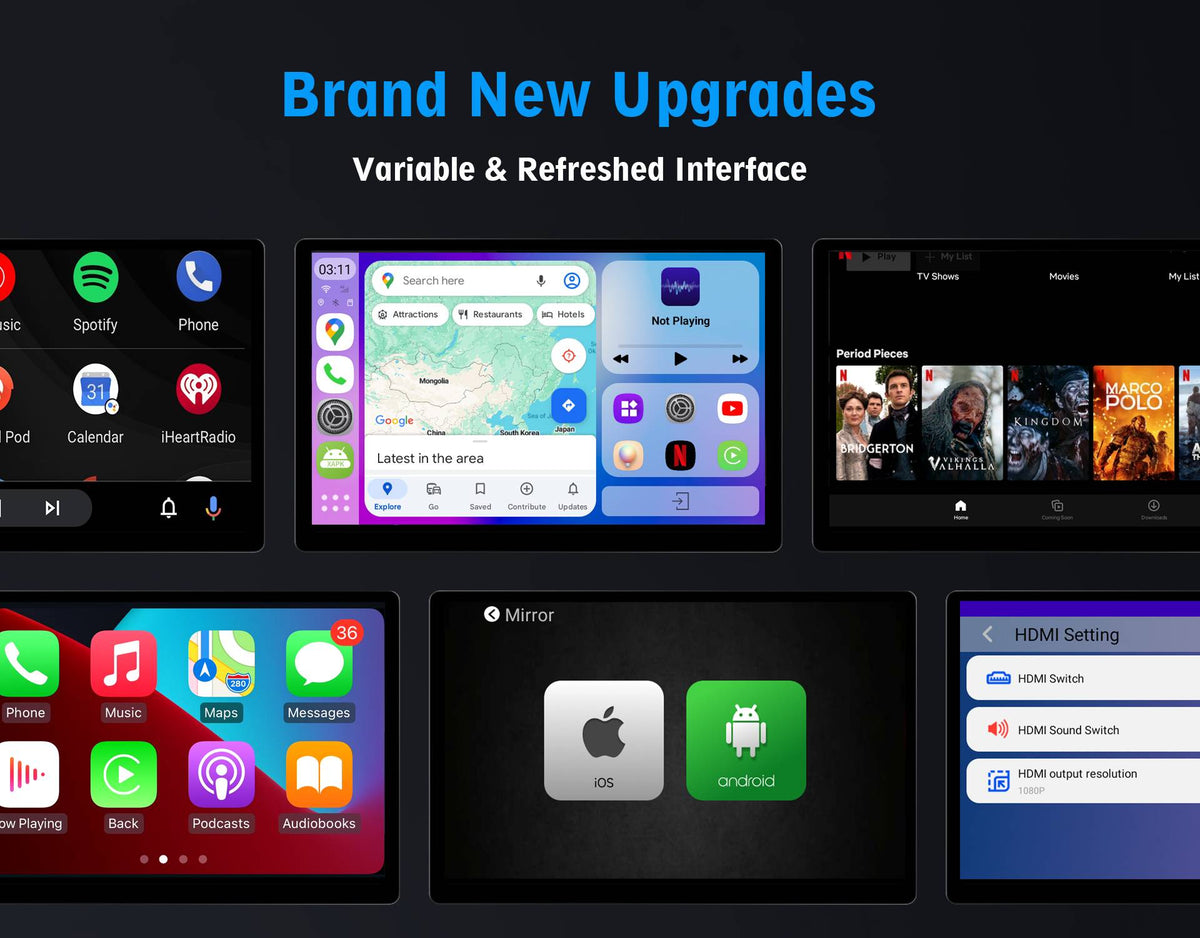
✔ Unique LED color light design : Enhance Your Car's Atmosphere with a Unique LED Color Light Design.
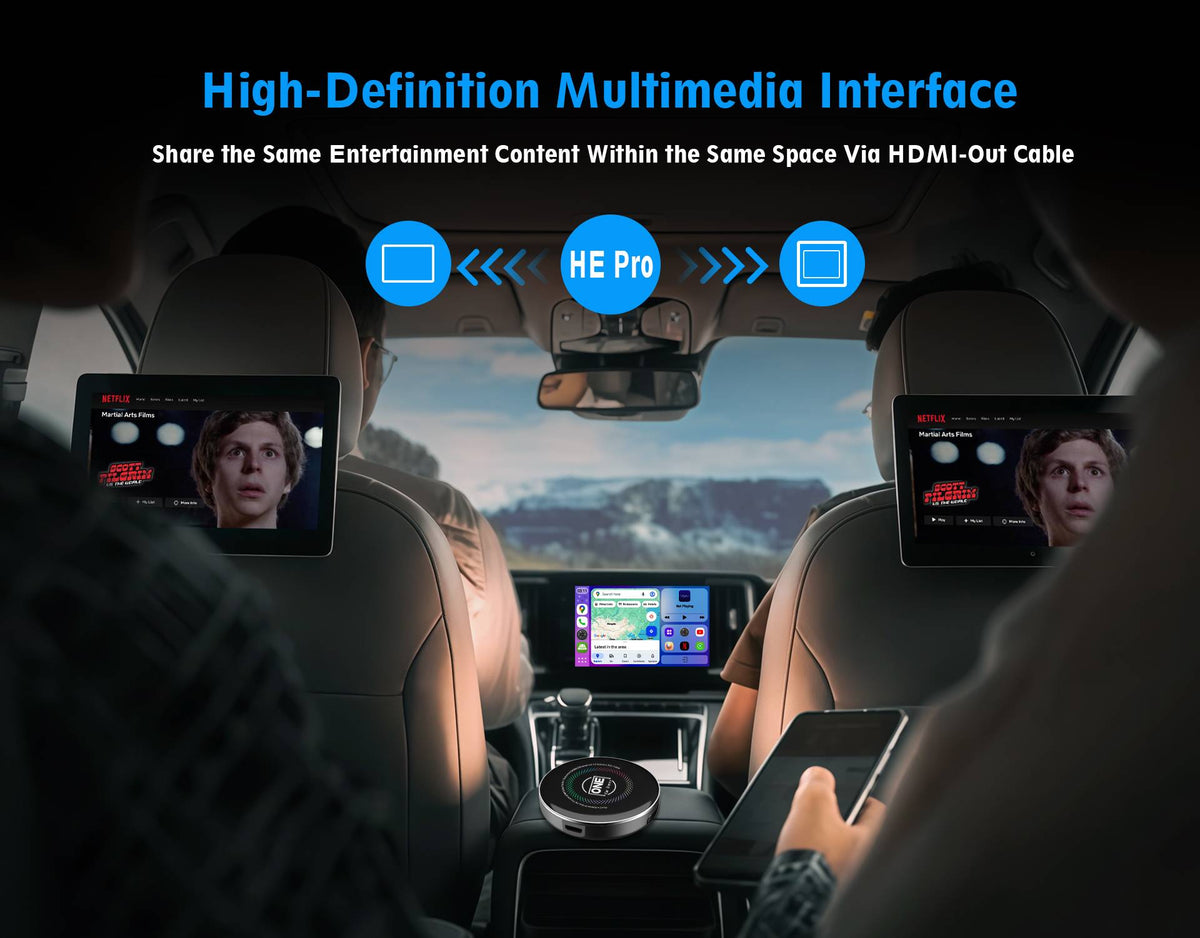
✔High-Definition Multimedia interface: Project your dashboard directly onto the headrest monitor.
Yes, you can pair as many smartphones as you want with the CarPlay AI Box HE Pro. However, the CarPlay AI Box HE Pro can only function with one device at a time. If you wish to switch between devices, simply disable the Bluetooth/Wi-Fi connection on the currently connected device.
No, setting up the Carplay AI Box HE PRO does not require an iPhone. Please ensure that your car has factory wired CarPlay or wired Android Auto. The setup process does not involve any mobile phones. Here are the steps:
1. Start your car and connect the Carplay AI Box HE PRO to the car's original interface using the provided supporting USB cable or Type-C cable.
2. Wait for approximately 30 seconds for the automatic upgrade process to complete.
3. The car's original display will be upgraded to a versatile Android system with internet access, similar to that of a smartphone.
4. Now, you can use your Apple phone for CarPlay functionality through a wireless connection or use your Android phone for Android Auto functionality, also wirelessly.
5. Additionally, Carplay AI Box HE PRO supports mirroring links for both Apple iPhones and Android smartphones.
