


One Car Stereo
CarPlay AI Box ELite
CarPlay AI Box ELite
Couldn't load pickup availability
 45-Day Returns
 1-Year Warranty
 Dedicated Customer Care
⚠️Vehicle Compatibility
⚠️Vehicle Compatibility
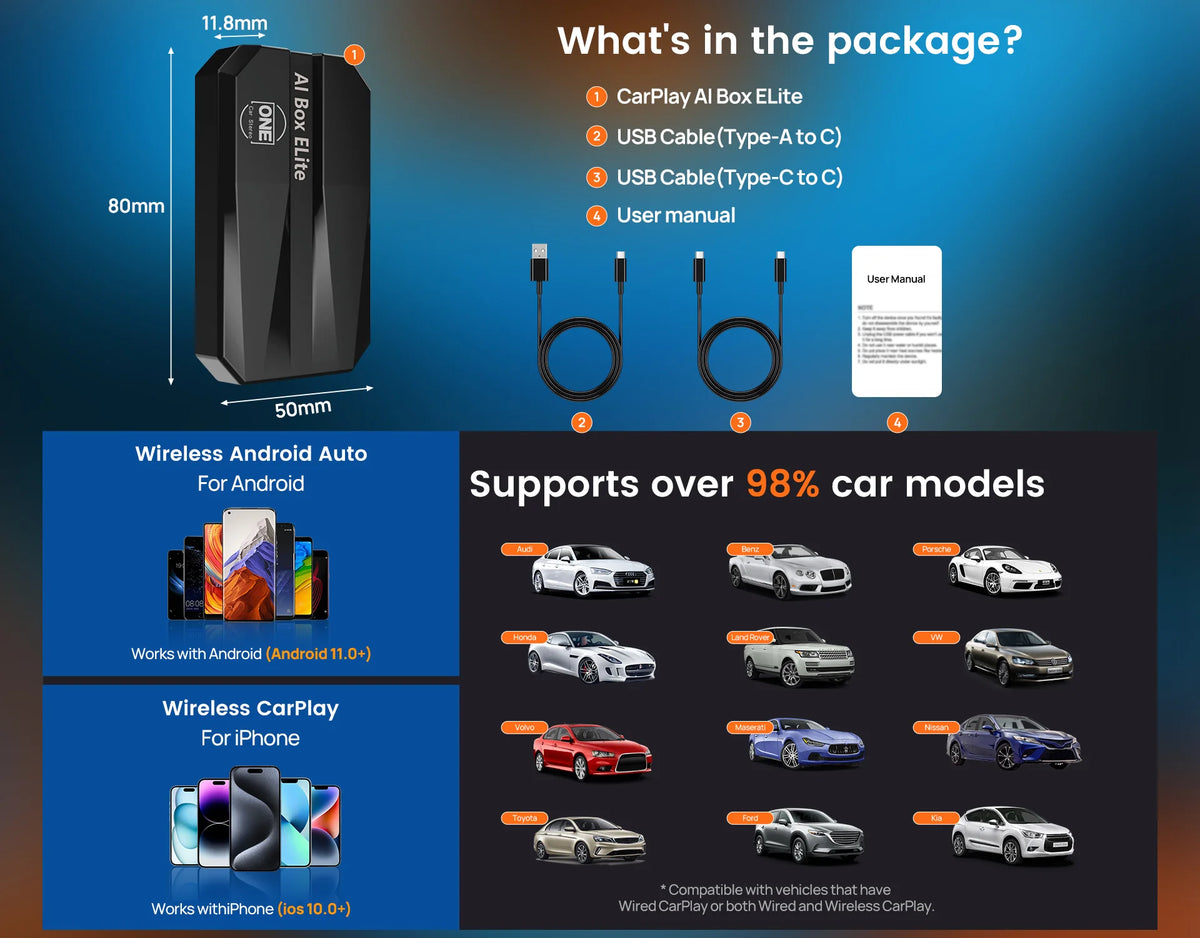
Your vehicle must support factory wired CarPlay or Wired Android Auto. The CarPlay Box connects to your vehicle through its existing wired CarPlay connection.
Compatible:
✅ Vehicles with factory wired CarPlay or wired Android Auto
✅ Vehicles with both wired and wireless CarPlay
Not Compatible:
❌ Vehicles with Wireless CarPlay only (e.g. some BMW models)
❌ Vehicles equipped with an aftermarket CANBUS / decoder / protocol box system
❌ Vehicles with an aftermarket car stereo that does not support wired CarPlay
❌ Mazda CX-60 · Subaru REX
Warranty and After-Sales Support
Warranty and After-Sales Support
✅ Rest assured with our 1-year warranty and lifetime after-sales support.
We are committed to providing you with a high-quality and convenient in-car experience. Should you have any questions, please don't hesitate to reach out to our customer support team.


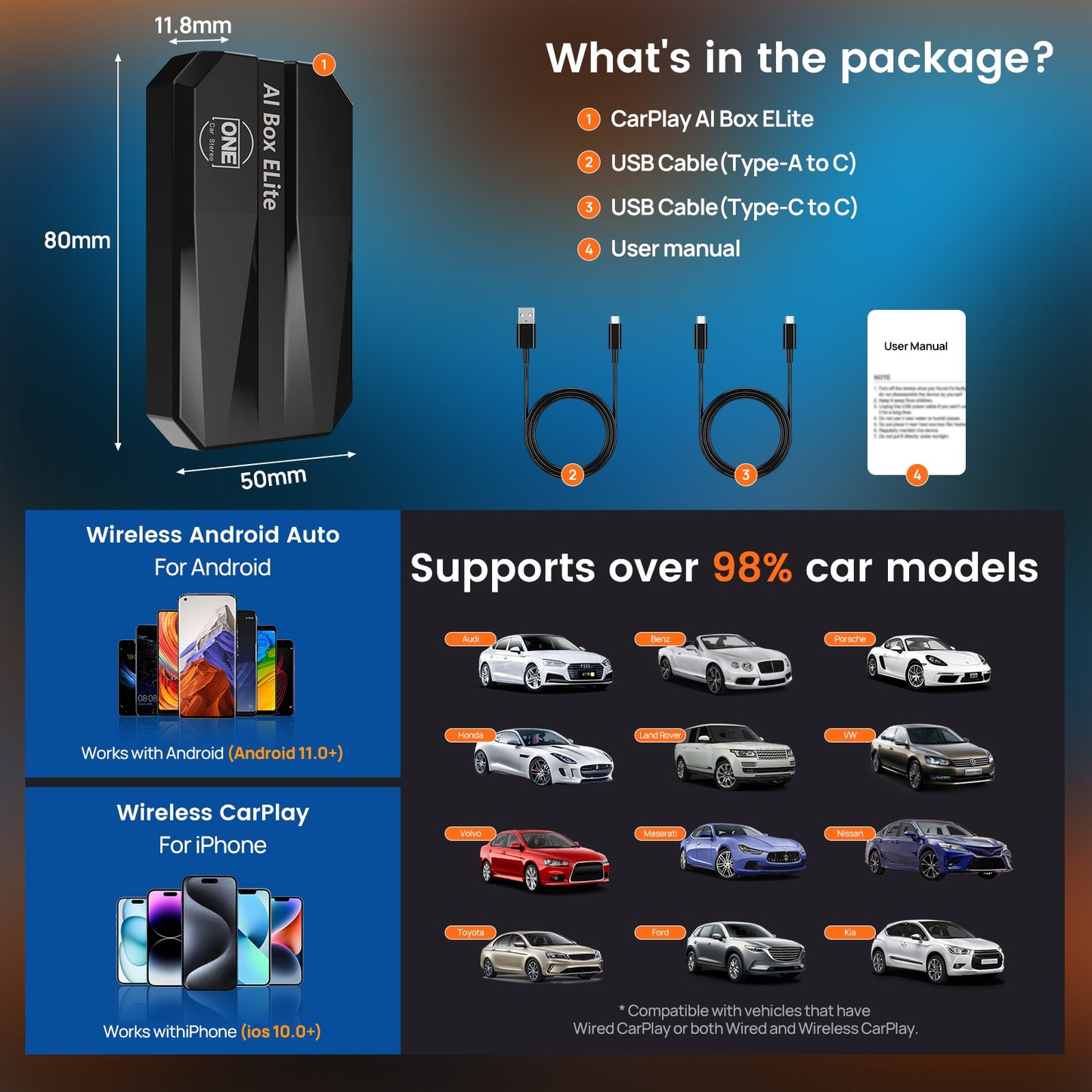
CarPlay AI Box ELite
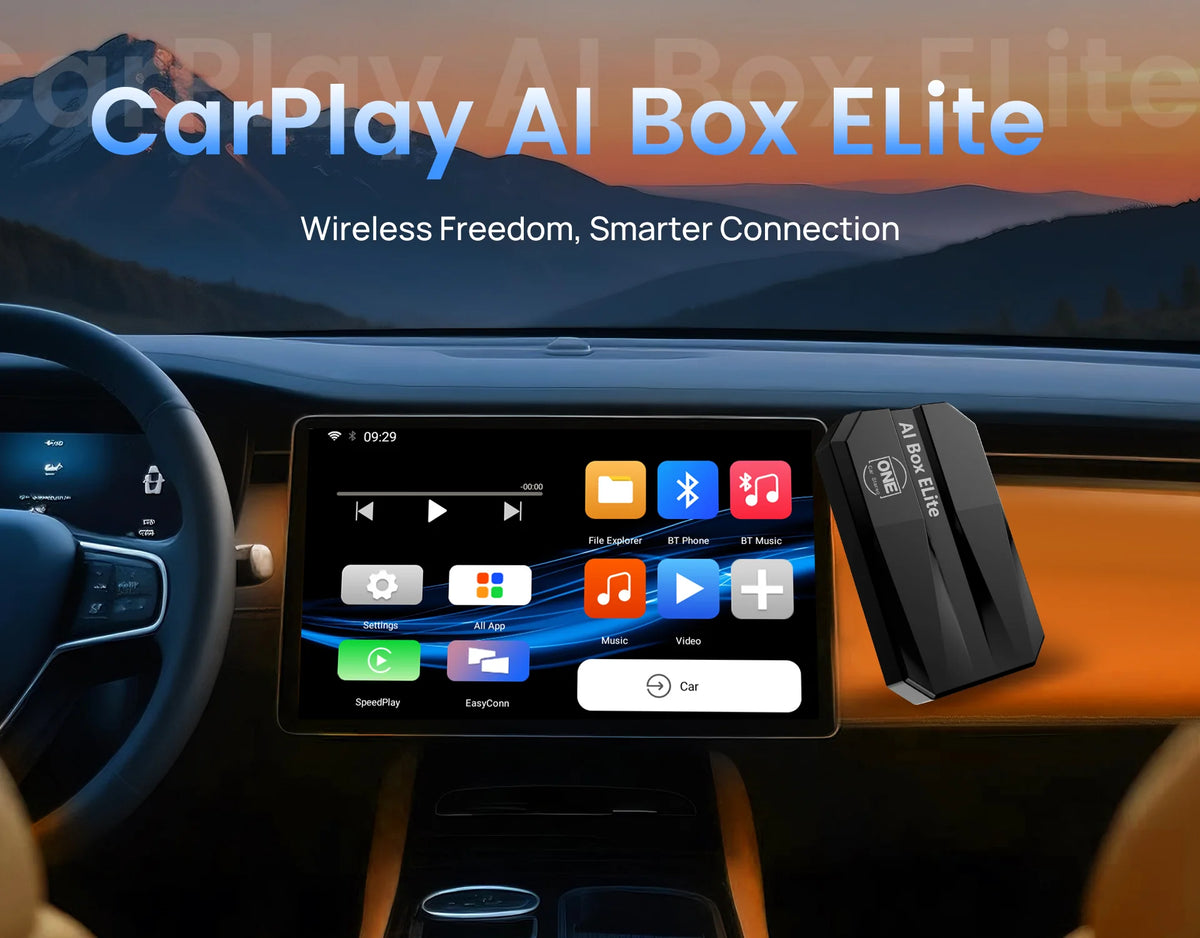
Wireless CarPlay AI Box Adapter
Smarter driving with built-in AI, wireless connectivity and endless entertainment.


One Car Stereo Product Comparison Guide
Compare specs, processors, and features to choose the right CarPlay AI Box for your car.
 CarPlay AI Box HE PRO
 CarPlay AI Box ULTRA
 Cloud AI Box
 Smart AI Box HE
 CarPlay AI Box Elite
 Smart AI Box 2.0
 MINI CarPlay Adapter

Free Shipping Worldwide
Add a short description for this feature.

365-Day Warranty
Add a short description for this feature.

45-Day Return
Add a short description for this feature.

100% Payment Secure
Add a short description for this feature.
Frequently Asked Questions
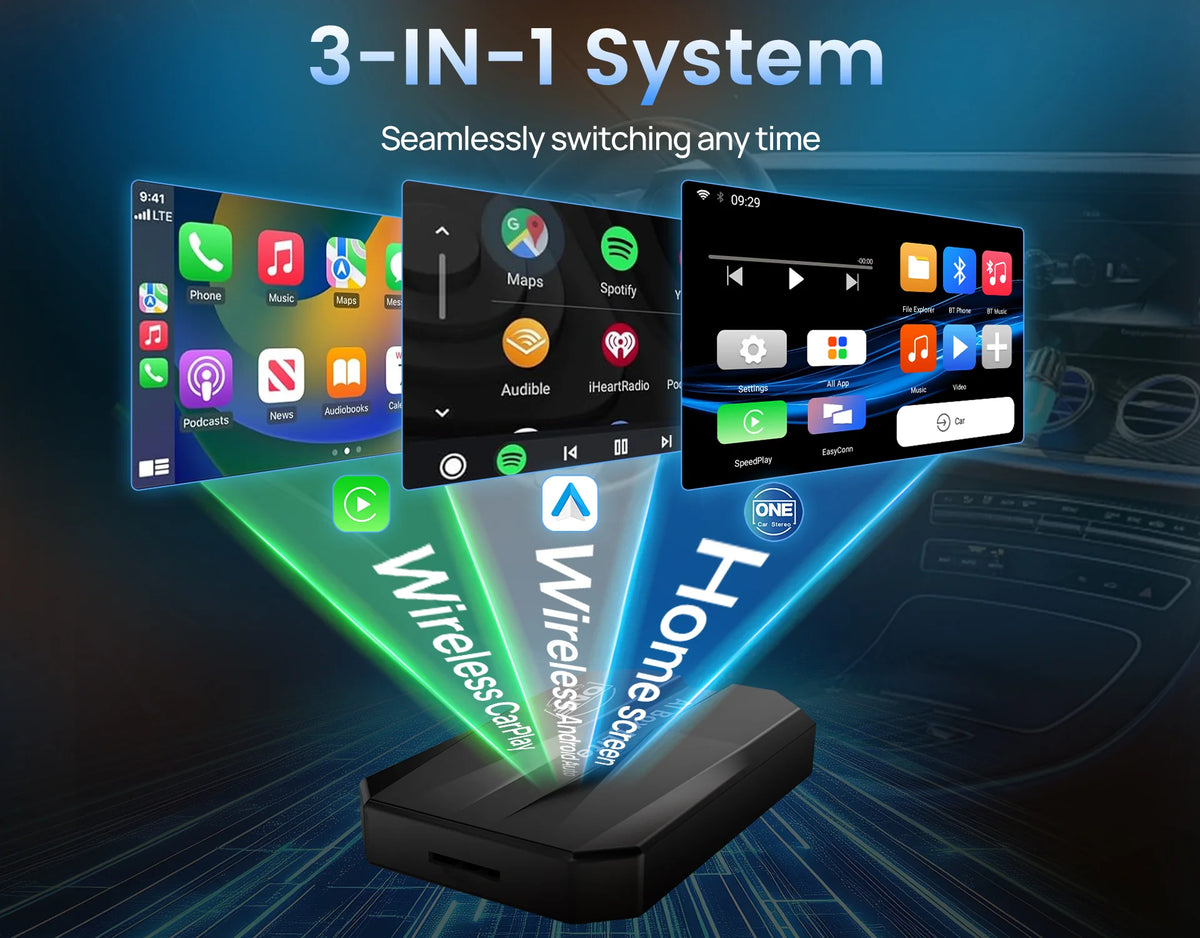
· Wired to Wireless Conversion: Seamlessly converts your existing wired CarPlay/Android Auto setup to a wireless experience.
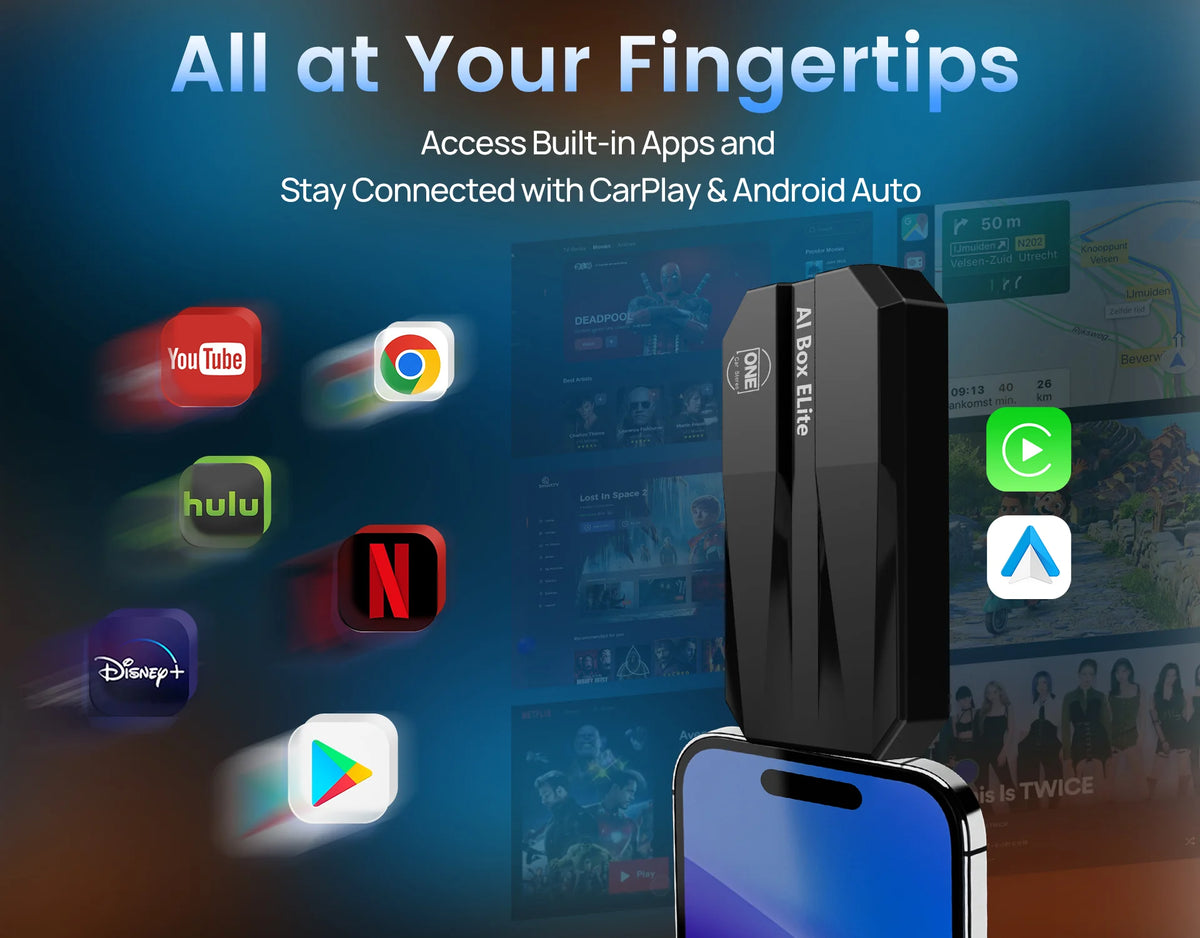
· Pre-installed Popular Apps: Enjoy built-in access to a variety of mainstream apps, including YouTube, Netflix, and more.
· App Downloads: Easily download and install additional apps of your choice to personalize your in-car experience.
· MirrorLink Functionality: Mirror your smartphone’s content directly onto your car’s screen for a more integrated viewing experience.
a. Turn on your phone's personal hotspot.
b. The WiFi of the box is set to connect to the personal hotspot of iPhone
c. Click the "EasyConn" App on the interface of Android system
d. Turn on "Airplay" on your iPhone
· Download the "CarbitLink" APP from Play store
· Turn on your phone's personal hotspot
· The WiFi of box is set to connect to the personal hotspot of the mobile phone
· Click the "EasyConn" App on the interface of Android system
· Click the “CarbitLink” APP on your mobile phone and click on Screen mirroring, then a message with “CarbitLink” will pop up on your mobile phone, click Start now.
· Connect your phone to the Bluetooth of box “Smart Ai Box”.(Note: If you use an Android phone to connect to the Bluetooth of box, it will automatically connect to the wireless Android Auto, please go to SpeedPlay APP - Settings - Turn off wireless auto-connect option)
· Now you can successfully use the wireless screen mirroring feature!
